
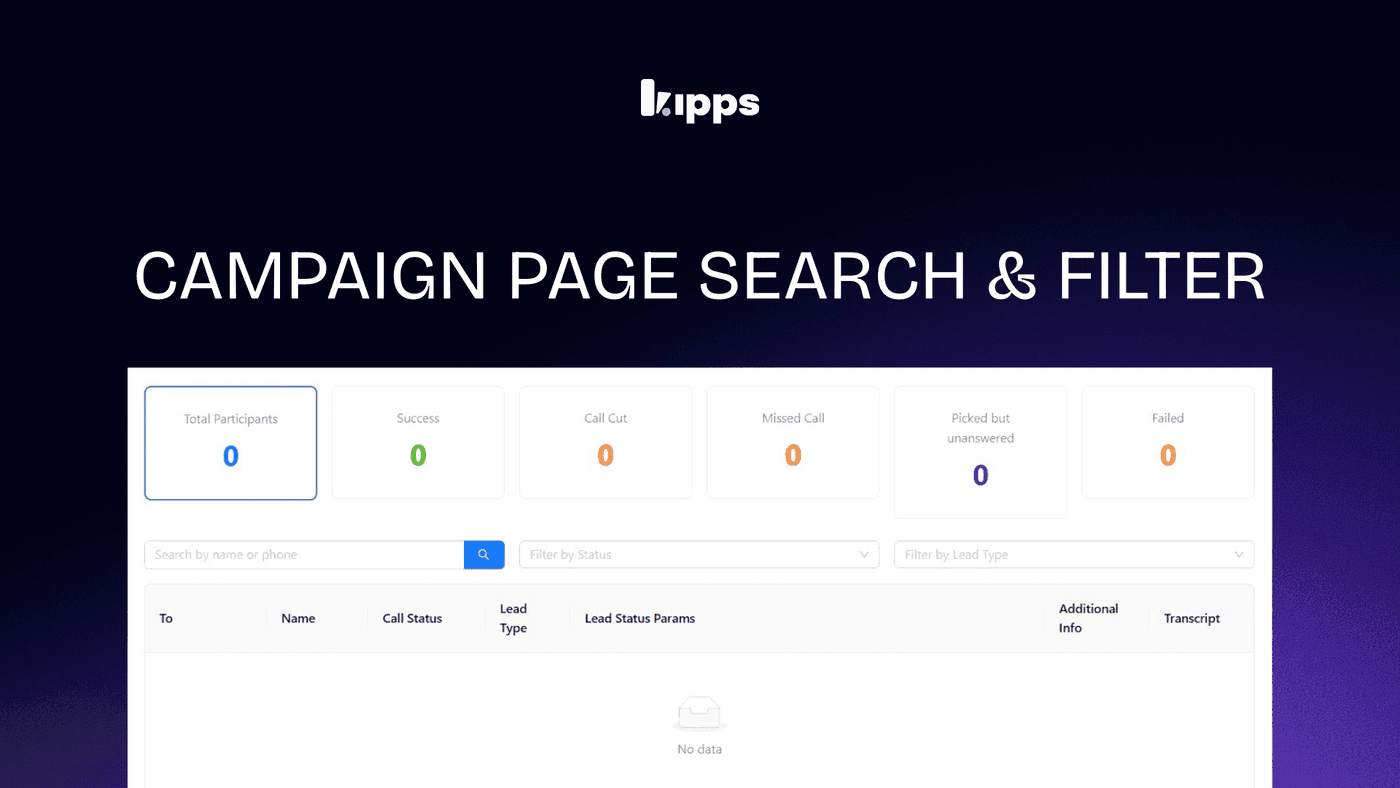
Searchable Agent Dropdown in Campaign Setup

Introduction
Managing campaigns with numerous agents can be tedious when searching through long, static lists. To address this, we have upgraded the "Select Agent" dropdown in the Campaign Setup modal to support real-time search. Users can now instantly filter agents by name, streamlining the setup process and reducing manual scrolling.
Feature Highlights
- Real-Time Filtering: Instantly narrow down the agent list by typing any part of their name.
- Keyboard Navigation: Fully accessible controls allow you to navigate options using arrow keys, select with Enter, and close with Esc.
- Reusable Component Architecture: Built on a new
SearchableAgentSelectcomponent, enabling consistent search functionality across other areas of the platform.
How to Use
- Open any campaign and click "Campaign Setup".
- Proceed to step 2 (Number & Template).
- Click the "Select Agent" dropdown — the search input is focused automatically.
- Type any part of the agent name to filter the list in real time.
- Use arrow keys to navigate, Enter to select, or Esc to close. Click an option to select as before.
Benefits
- Faster Agent Selection: Drastically reduces the time required to assign voice or WhatsApp agents, especially for large organizations.
- Reduced Visual Noise: Users only see matching agents, eliminating the need to scroll through long lists.
- Improved Accessibility: Full keyboard support ensures a smoother, mouse-free navigation experience.
- Developer Efficiency: The reusable
SearchableAgentSelectcomponent can be easily integrated into other dropdowns across the codebase.
Example Workflow
Imagine you are a campaign manager at a large enterprise with over 150 WhatsApp agents. You need to quickly launch a new promotional campaign and assign it to "Agent Sarah Jenkins". Instead of scrolling through the massive alphabetical list, you open the Campaign Setup, navigate to the Number & Template step, click the dropdown, and type "Sarah". The list instantly filters down to just Sarah Jenkins. You press Enter to select her, saving valuable time and effort.
Result
With the new searchable agent dropdown, setting up campaigns is faster, more intuitive, and highly accessible, enabling teams to deploy voice and WhatsApp campaigns with minimal friction.
See Also
- Campaign Setup Modal (voice & WhatsApp agent selection)
- Campaign Workflow Builder node agent selectors (CallNode, WhatsappNode, WhatsappSessionNode)
Ready to try these new features?
Experience the latest improvements and see how they can enhance your workflow. Get started today or learn more about what's coming next.
More Changelog Updates
Related Blog Posts

HR's Guide to Employee Retirement Plan Communication
Struggling with 401k questions? This guide helps HR teams simplify employee retirement plan communication. Learn strategies to explain mutual funds, boost participation, and reduce repetitive work.
Read more
Beyond the First Message: A Guide to Smarter Chatbot Lead Forms
Learn how to configure your chatbot's lead form frequency to reduce visitor fatigue, improve conversation flow, and capture higher-quality leads. A complete guide to the new settings and best practices.
Read more
How to Automatically Write Data to Google Sheets from Your Workflow
Learn how to automatically write or update data in Google Sheets directly from your workflow using the Write Back to Sheet node in Kipps.AI.
Read more