
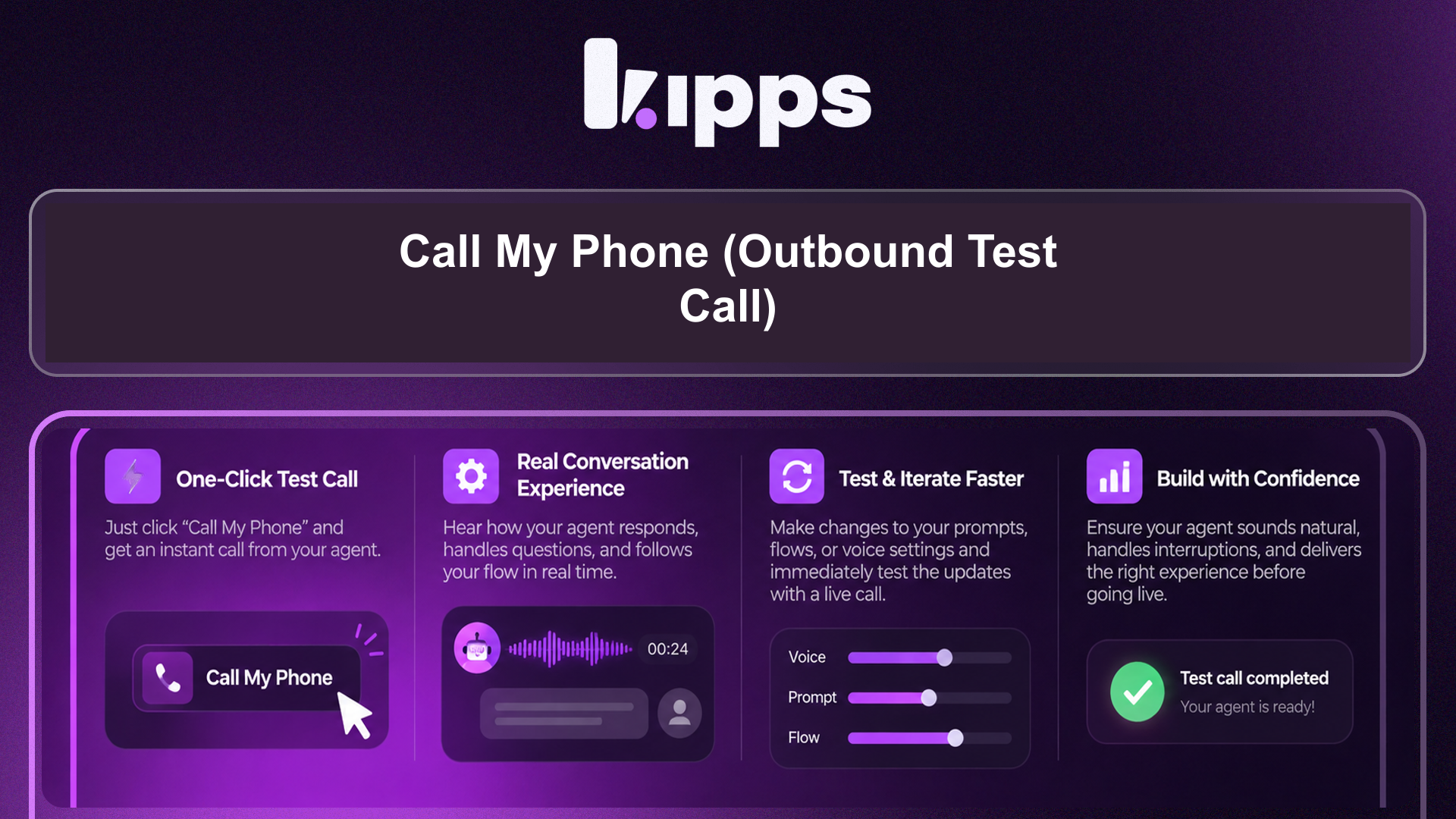
Call My Phone (Outbound Test Call)
Introduction
We're excited to introduce "Call My Phone," a new feature that allows you to test your voice agent on a real phone call directly from Agent Studio. This complements the existing browser-based Test Agent call, providing a more authentic testing environment. This feature helps you quickly validate your agent's performance in a real-world scenario without the need for complex campaign setups.
Feature Highlights
- Real-time Phone Testing: Initiate an outbound call from Agent Studio to any phone number, allowing you to experience your voice agent as your customers would.
- Direct Integration: Seamlessly access this testing capability within Agent Studio, right next to the existing browser-based Test Agent.
- Country Code Selection: Easily select the appropriate country code for your test calls, ensuring accurate dialing.
How to Use
- Open a voice agent in Agent Studio.
- Click the green "Call" button next to "Test Agent".
- In the dialog that opens, pick your country code and enter your phone number.
- Click "Place Call" — the agent will call that number within a few seconds.
- If no outbound phone number is configured yet, use the "Phone Numbers" tab in the sidebar to set one up first.
Benefits
- Realistic Validation: Lets you validate how the agent actually sounds and behaves on a real phone call (latency, voice quality, call flow).
- Faster Iteration: Test your agent without setting up a campaign or leaving the dashboard, enabling faster iteration during agent development.
- Enhanced Confidence: Gain confidence in your agent's performance before deployment by testing in a true telephony environment.
Example Workflow
A developer is fine-tuning a new customer service voice agent. Instead of relying solely on the browser-based test, they use "Call My Phone." They open their agent in Agent Studio, click the "Call" button, enter their mobile number, and initiate the call. Within seconds, their phone rings, and they can interact with the agent, assessing its voice quality, response times, and overall call flow, catching any real-world issues before the agent goes live.
Result
With "Call My Phone," users can now directly test their voice agents on a real phone call from within Agent Studio, gaining crucial insights into real-world performance and accelerating the development and refinement process.
See Also
- Test Agent (browser-based web call)
- Phone Number Integration
- Outbound SIP Calling
- Voice Campaigns
Ready to try these new features?
Experience the latest improvements and see how they can enhance your workflow. Get started today or learn more about what's coming next.
More Changelog Updates
Related Blog Posts
Deploy AI Voice Agent Teams with Multi-Agent Voice Templates
Introducing multi-agent voice templates: Deploy specialized AI agents for sales, support, and scheduling in a single unified workflow.
Read more
Kipps AI vs Sarvam AI: Choice for 2026 Enterprise Voice Agents
Compare Kipps.AI vs Sarvam ai enterprise comparison. Discover key differences in voice AI, WhatsApp integration, pricing, and deployment speed.
Read more
Kipps AI vs Vapi AI: The 2026 Enterprise Decision Guide
Compare Kipps.AI vs Vapi ai enterprise platform comparison. Discover key differences in voice AI, WhatsApp integration, pricing, and deployment speed.
Read more