
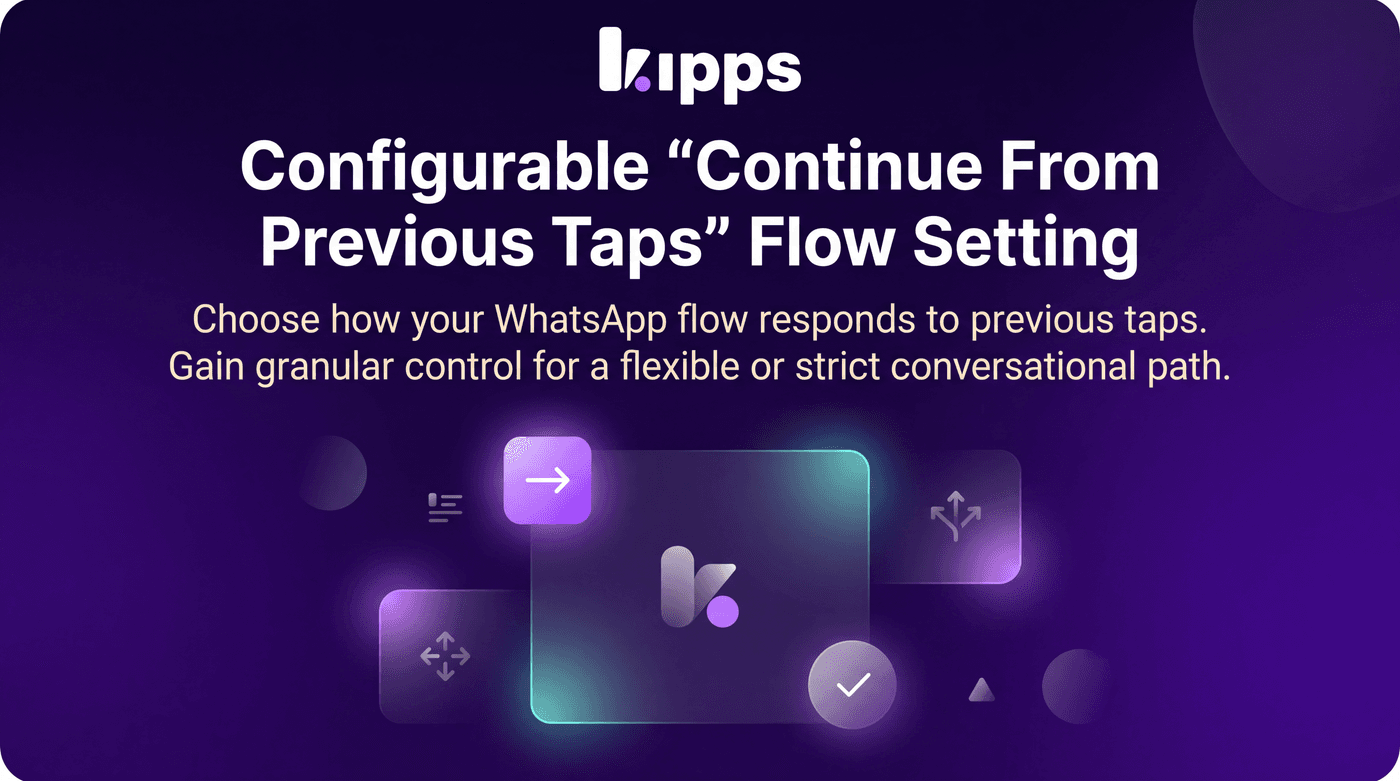
Configurable 'Continue From Previous Taps' Flow Setting

Introduction
We're introducing a new setting for WhatsApp flow agents that provides greater control over user interaction within flows. This feature allows you to define how your flow responds when a user taps a button from a message sent earlier in the conversation, ensuring a smoother and more predictable user experience.
Feature Highlights
- Flexible Flow Navigation: Decide if users can jump back to previous points in a flow by tapping old buttons.
- Enhanced Control: Tailor the flow's behavior to suit the complexity and desired strictness of your conversational design.
- Immediate Application: Changes to this setting take effect instantly without requiring a flow republish.
How to Use
- Open the agent's Flow Builder.
- Click the gear (settings) icon in the top toolbar.
- Toggle "Continue from previous taps" on or off according to your preference.
- The change applies immediately to the next incoming message — no need to republish the flow.
Benefits
- Granular Control: Gives teams control over how forgiving their flow is, allowing for either a flexible or strict conversational path.
- Improved User Experience: Leave it on (the default) to let users tap any button they've been sent, even from earlier in the conversation, and pick up the flow from there.
- Prevent Confusion: Turn it off for a stricter, single-path experience where only the currently active step's buttons are honored — useful for flows where jumping around would leave the conversation in a confusing state.
Example Workflow
Imagine a customer is interacting with a support bot. They've gone through several steps, but then remember they wanted to ask about something from an earlier menu. With "Continue from previous taps" enabled, they can simply tap the button from that older message, and the flow will seamlessly resume from that point. If the setting is disabled, tapping an old button would be ignored, ensuring the conversation stays on its current, intended path.
Result
Users can now precisely configure how their WhatsApp flows handle interactions with previously sent buttons, enabling them to design more intuitive, controlled, and user-friendly conversational experiences tailored to their specific needs.
See Also
- Visual Flow Builder
- Reply Buttons Node
- List Menu Node
Ready to try these new features?
Experience the latest improvements and see how they can enhance your workflow. Get started today or learn more about what's coming next.
More Changelog Updates
Related Blog Posts
HR's Guide to Employee Retirement Plan Communication
Struggling with 401k questions? This guide helps HR teams simplify employee retirement plan communication. Learn strategies to explain mutual funds, boost participation, and reduce repetitive work.
Read more
Beyond the First Message: A Guide to Smarter Chatbot Lead Forms
Learn how to configure your chatbot's lead form frequency to reduce visitor fatigue, improve conversation flow, and capture higher-quality leads. A complete guide to the new settings and best practices.
Read more
How to Automatically Write Data to Google Sheets from Your Workflow
Learn how to automatically write or update data in Google Sheets directly from your workflow using the Write Back to Sheet node in Kipps.AI.
Read more