
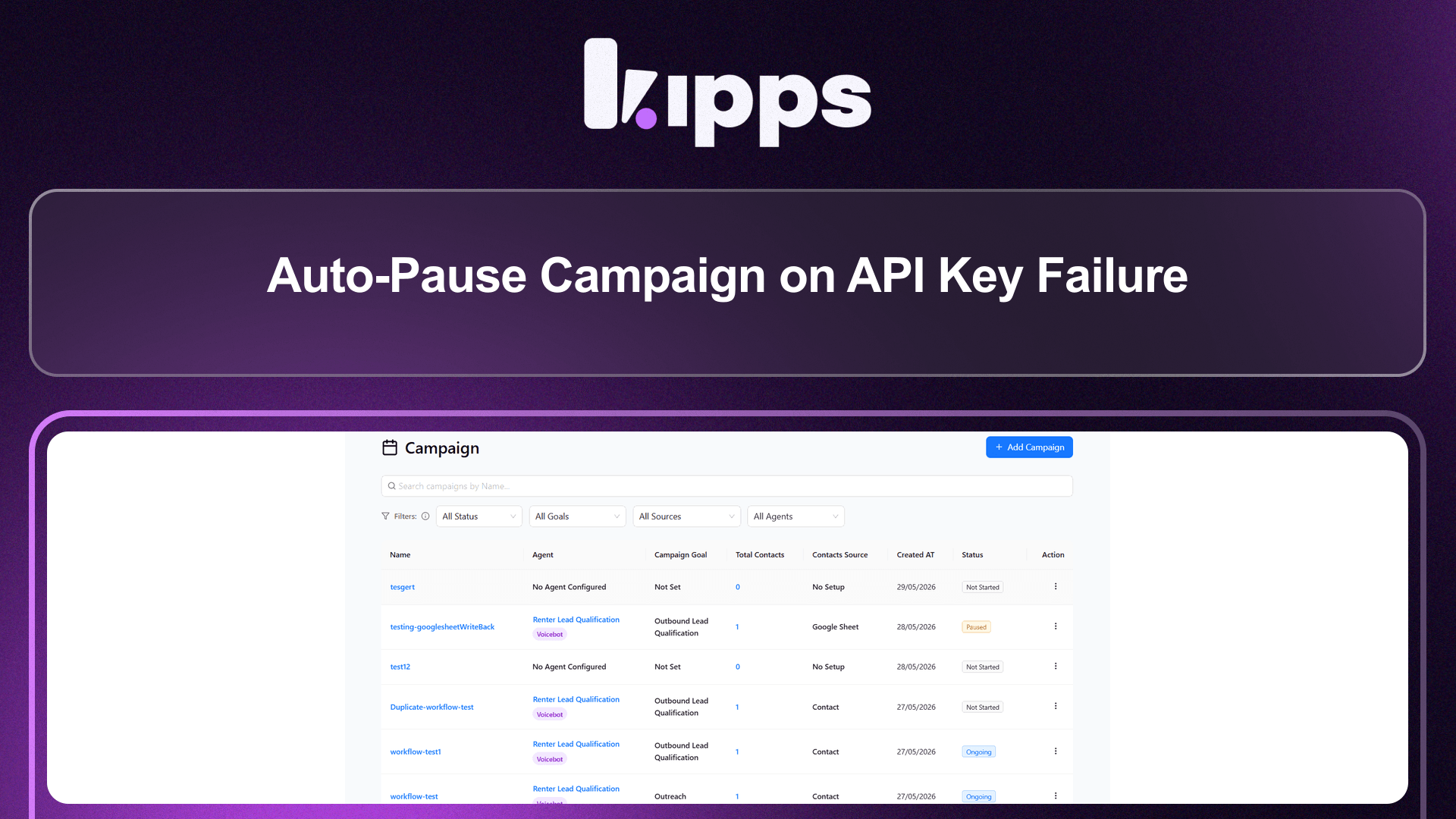
Auto-Pause Campaign on API Key Failure

What Changed
Previously, if all API keys associated with a campaign (WhatsApp Business API, Voice/SIP provider, etc.) returned failure responses, the campaign would continue attempting to process leads—burning through the queue while producing only failed records, with no way for the team to know something was fundamentally wrong.
With this update, the system tracks API key failure rates in real time. When every available key for a channel returns a failure, the campaign is automatically moved to Paused status and the run stops immediately.
Feature Highlights
-
Automatic Campaign Pause on Full API Failure
If all API keys for the active channel (WhatsApp or Voice) fail, the campaign pauses itself instantly—no manual intervention required. -
Zero Lead Loss
Leads that had not yet been contacted when the pause triggered retain their Not Contacted status and will be processed when the campaign is resumed. -
Safe Resume
Once the API key issue is resolved (key rotated, quota restored, or new key added), simply click Resume on the campaign. The workflow continues from exactly where it stopped. -
Clear Pause Reason
The campaign status reflects the auto-pause so operators can distinguish a manual pause from a system-triggered one.
How It Works
- During a campaign run, each outbound action (call or WhatsApp send) checks the response from the API provider.
- If a key returns an error, the system marks it as failed for this run.
- When all available keys for the channel are marked failed, the campaign is automatically set to Paused.
- Leads not yet contacted remain in the queue untouched.
- The team fixes or rotates the API key, then clicks Resume — the campaign picks up from where it paused.
How to Resume After an Auto-Pause
- Go to Dashboard → Campaigns and locate the paused campaign.
- Check your API key configuration (Settings → Integrations) and resolve the failure (rotate the key, top up quota, or add a new key).
- Return to the campaign and click Resume.
- The campaign will re-attempt all leads that were not yet contacted.
Ready to try these new features?
Experience the latest improvements and see how they can enhance your workflow. Get started today or learn more about what's coming next.
More Changelog Updates
Related Blog Posts
AI Calling Explained: How Autonomous Phone Agents Handle Calls at Scale
Explore how AI calling automates customer acquisition, boosts conversions, and scales operations.
Read more
Chat Bot vs AI Agent: What Modern Businesses Actually Need in 2026
Explore how Chat bot automates customer acquisition, boosts conversions, and scales operations.
Read more
What Is an AI Voice Agent? How It Works, Real Costs & 2026 Playbook
Explore how Voice Agent automates customer acquisition, boosts conversions, and scales operations.
Read more