
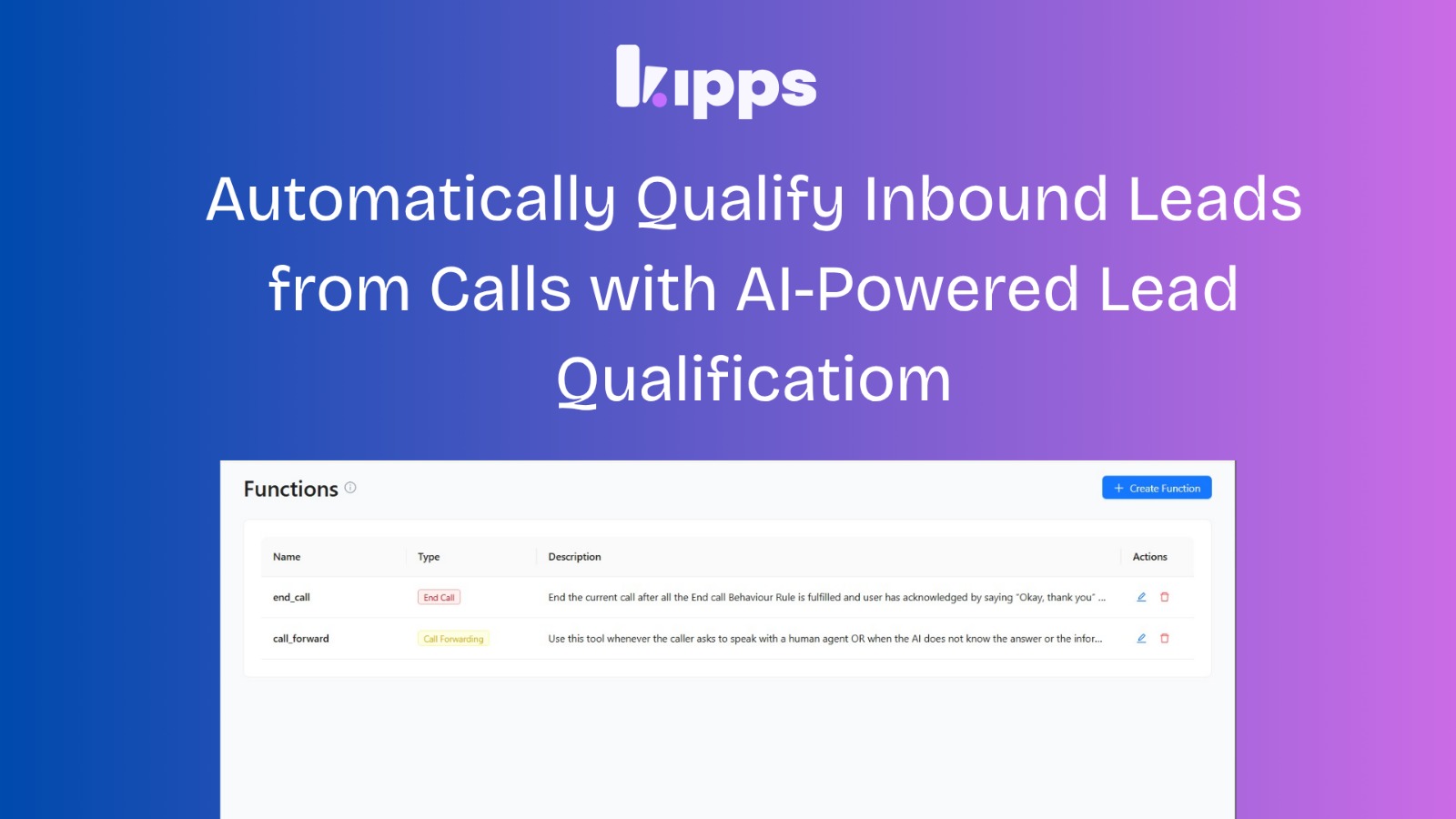
AI Inbound Lead Qualification from Phone Calls

Introduction
We’ve introduced Inbound Lead Qualification, enabling Kipps to automatically qualify incoming leads from voice calls using AI. With this update, every inbound conversation is analyzed, classified, and enriched with structured data—eliminating manual triage and helping teams focus on high-intent opportunities faster. By leveraging a Qualification Prompt and customizable Lead Status Parameters, Kipps can classify leads as Hot, Warm, Cold, or Unknown based on the conversation context and extract key information such as budget, timeline, product interest, and more. This allows sales teams to prioritize their outreach efforts effectively and engage with leads while their interest is still high.
Automatically Qualify Inbound Leads from Calls with AI-Powered Lead Qualification
We’ve introduced Inbound Lead Qualification, enabling Kipps to automatically qualify incoming leads from voice calls using AI.
With this update, every inbound conversation is analyzed, classified, and enriched with structured data—eliminating manual triage and helping teams focus on high-intent opportunities faster.
What’s New
Kipps can now:
- Automatically classify inbound leads as Hot, Warm, Cold, or Unknown
- Extract key information from conversations into structured fields
- Update lead records instantly after each call
All of this is powered by a Qualification Prompt and customizable Lead Status Parameters, defined at the campaign level.
What You Can Configure
Campaign Setup
- Select Inbound Lead Qualification as the campaign type
Qualification Prompt
Define how conversations should be evaluated.
This determines how leads are classified based on intent, interest, and context.
Example:
Classify as Hot if the user is ready to purchase within 7 days.
Lead Status Parameters (Structured Fields)
Define the specific data points you want to extract from each conversation.
Examples:
- Budget
- Timeline
- Product interest
- Location
Kipps will attempt to extract these values directly from the conversation transcript.
Voice Agent Selection (with Guardrails)
- Only voice agents with a valid inbound number integration can be used
- A single voice agent cannot be assigned to multiple active inbound campaigns simultaneously
How It Works
End-to-End Flow (Inbound Call → Qualified Lead)
1. Inbound Call Received
A user calls your configured inbound number connected to a voice agent.
2. Campaign Detection
Kipps checks for an active campaign with the inbound_lead_goal linked to that agent.
3. Lead & Contact Creation
- A Contact is created or reused based on the caller’s phone number
- A new Lead is created under the active campaign
Initial Lead State:
- Lead Type: Unknown
- Status: Contacted
4. Call Association
The call is automatically linked to the lead, ensuring transcripts and outcomes are tied to the correct record.
If no active campaign exists, Kipps attempts to link the call to the most relevant existing lead for continuity.
5. Conversation Handling
The AI voice agent manages the call, and the full transcript is recorded.
6. Automatic Qualification
After the call ends, Kipps:
- Classifies the lead (Hot / Warm / Cold / Unknown)
- Extracts values for all configured parameters
- Leaves missing fields empty (no assumptions or guessed data)
7. Lead Record Update
The lead is updated with:
- Lead Type (qualification result)
- Lead Status Parameters (structured extracted data)
Visibility in Campaign UI
Within the campaign view, you can instantly see:
- Lead Type → Hot, Warm, Cold, or Unknown
- Lead Status Parameters → Extracted key details
This provides a quick, actionable snapshot of each lead’s intent and context.
Why This Matters
Speed
Leads are qualified immediately after the call—no manual review required.
Consistency
Every conversation is evaluated using the same predefined criteria.
Higher Conversion
Sales teams can prioritize Hot and Warm leads while interest is still high.
Better Handoffs
Structured data allows teams to take the next step without repeating discovery questions.
Key Benefits
- Automated lead qualification from inbound voice calls
- Structured data extraction for better decision-making
- Reduced manual effort and faster response times
- Improved prioritization of high-intent leads
Notes & Constraints
- Lead Type values are standardized: Hot, Warm, Cold, Unknown
- If no meaningful conversation occurs:
- Lead remains Unknown
- No structured fields are populated
- Kipps does not generate or assume missing data
Summary
Inbound Lead Qualification transforms how teams handle incoming calls by automatically analyzing, classifying, and enriching every lead.
By combining AI-driven evaluation with structured data extraction, Kipps enables faster follow-ups, better prioritization, and more efficient sales workflows—without manual intervention.
See Also
Related Features
Learn More
Ready to try these new features?
Experience the latest improvements and see how they can enhance your workflow. Get started today or learn more about what's coming next.
More Changelog Updates
Related Blog Posts

HR's Guide to Employee Retirement Plan Communication
Struggling with 401k questions? This guide helps HR teams simplify employee retirement plan communication. Learn strategies to explain mutual funds, boost participation, and reduce repetitive work.
Read more
Beyond the First Message: A Guide to Smarter Chatbot Lead Forms
Learn how to configure your chatbot's lead form frequency to reduce visitor fatigue, improve conversation flow, and capture higher-quality leads. A complete guide to the new settings and best practices.
Read more
How to Automatically Write Data to Google Sheets from Your Workflow
Learn how to automatically write or update data in Google Sheets directly from your workflow using the Write Back to Sheet node in Kipps.AI.
Read more