
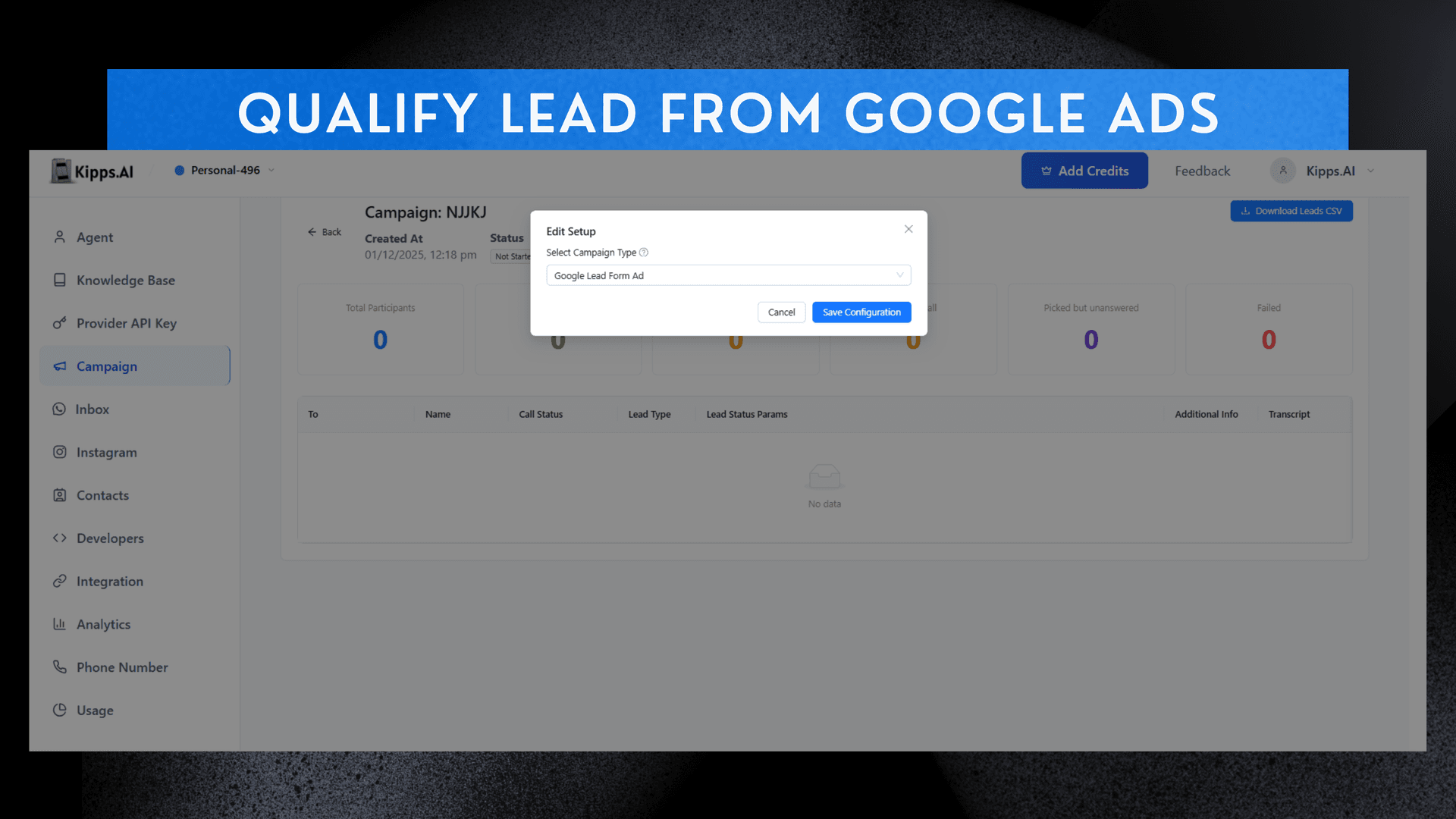
Qualify a Lead from google Ads

Introduction
Support for Google Lead Ads Qualification allows businesses to instantly capture and process leads generated from Google Ads, ensuring faster follow-ups and higher conversion rates. With this integration, users can connect Google Lead Forms directly to Kipps.ai so AI Voice Agents and AI WhatsApp Agents can reach out to new leads the moment they arrive. This real-time lead qualification helps businesses engage potential customers more effectively, reducing drop-offs and maximizing the return on ad spend. By automating the lead capture and outreach process, businesses can ensure that no lead goes unattended, improving overall lead management and conversion outcomes.
Feature Highlights
- Direct Google Ads Integration
Connect Google Lead Forms to your campaign from the setup window—no third-party connectors required. - Real-Time Lead Capture
New leads from Google Ads flow into Kipps.ai instantly through the generated webhook. - Instant AI Outreach
AI Voice Agents and AI WhatsApp Agents contact new leads within seconds to qualify, collect data, or book appointments. - Simple Setup Flow
Open the analytics window → click Setup → choose Google Ads → complete the required fields → save configuration. - Automated Webhook Generation
A ready-to-use Google Lead Ads Webhook is provided, which you can paste into your Google Ads Lead Form configuration. - Faster Lead Response
Responding in real time significantly boosts qualification rates, reduces drop-offs, and increases ROI on ad spend.
How to Use
-
After the Creation of Campaign
Go to the action column of the campaign table in front of your campaign name. -
Access Analytics Window
At the eye icon, there will be the analytics window where you can see the setup button. -
Choose Google Ads
In the setup button, you can choose the Google Ads. -
Fill Required Details
After filling the required details, you save the configuration. -
Configure Webhook
And there will be the webhook configuration, which you can then use to get the leads.
Google Lead Ads Webhook
It connects Google Ads → directly into Kipps.ai → so your AI Voice Agent / WhatsApp Agent can instantly contact those leads.
See Also
Related Features
Learn More
Ready to try these new features?
Experience the latest improvements and see how they can enhance your workflow. Get started today or learn more about what's coming next.
More Changelog Updates
Related Blog Posts

AI Voice Agents for Banking: A Strategic Guide
For banking leaders: This guide is a blueprint for using AI voice agents to build a secure, compliant, and inclusive CX, moving beyond generic pitches.
Read more
Multilingual Chatbot: A Guide to Convert Global Traffic
Losing global sales to language barriers? This guide provides a strategic framework for implementing a multilingual chatbot to deliver a seamless, native-language experience.
Read more
Boost Agent Retention: 5 Proven Strategies for Brokerages
High agent turnover hurting your brokerage? Discover 5 actionable strategies, from better onboarding to continuous feedback, to build a loyal and productive team.
Read more