
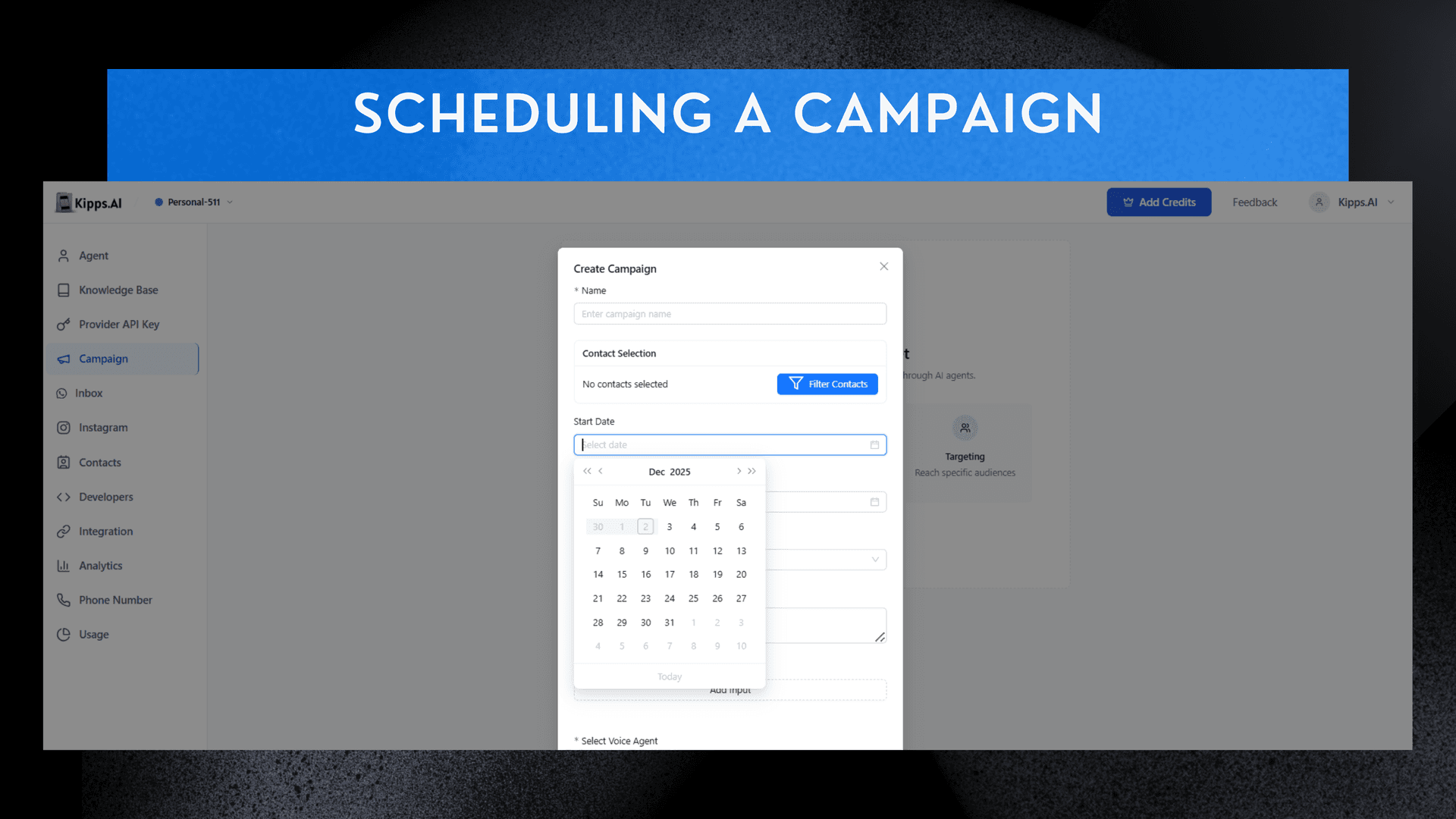
Schedule a Campaign

Feature Highlights
- Timed Campaign Launch
Set a specific start date and time so campaigns go live automatically, even if you're offline. - Automatic End Date Control
Define when a campaign should stop running, preventing unnecessary calls or messages. - Better Workload Planning
Coordinate multiple campaigns across the week or month without manual triggers. - Multi-Channel Scheduling
Schedule both AI Voice and AI WhatsApp campaigns to run at the perfect time for customer engagement. - Improved Team Efficiency
Reduce operational effort by automating repetitive outreach tasks and ensuring timely execution. - Consistency & Precision
Eliminate human error—campaigns always run exactly when planned, boosting reliability and performance.
Steps to Schedule the Campaign
-
Access Campaign Creator
Navigate to Dashboard → Campaigns → Add Campaign. -
Define Schedule
Locate the Set Start & End Dates section and precisely define the date and time when the campaign should begin and end. -
Finalize
Complete the remaining setup fields and click Create to schedule the campaign.
See Also
Related Features
Learn More
Ready to try these new features?
Experience the latest improvements and see how they can enhance your workflow. Get started today or learn more about what's coming next.
More Changelog Updates
Related Blog Posts

Christmas WhatsApp Message Templates for Every Business
Boost Christmas sales with ready-to-use WhatsApp message templates for online courses, children's books, colleges, cars, restaurants & hotels. High-conversion festive offers!.
Read more
AI Voice Agents for Banking: A Strategic Guide
For banking leaders: This guide is a blueprint for using AI voice agents to build a secure, compliant, and inclusive CX, moving beyond generic pitches.
Read more
Multilingual Chatbot: A Guide to Convert Global Traffic
Losing global sales to language barriers? This guide provides a strategic framework for implementing a multilingual chatbot to deliver a seamless, native-language experience.
Read more