From Simulation to Reality: Test Your AI Voice Agent on a Live Call
Introducing live outbound call testing in Agent Studio. Test your AI voice agent on a real phone call directly from your workspace to experience real-world latency and voice quality, accelerating your development cycle.

Share This Article
Table of Contents
From Simulation to Reality: Test Your AI Voice Agent on a Live Call
For developers building sophisticated AI voice agents, the true test is a live phone call. Browser-based simulations are fast, but they can't replicate the real-world network conditions that make or break a user's experience. Critical factors like network latency and voice quality are lost in a sterile testing environment.
Historically, the only way to get this real-world feedback was to set up a complex test campaign, a process that pulls you out of your development flow and slows down iteration. We’re excited to close this gap for good. Introducing live outbound call testing in Agent Studio—a powerful new feature that lets you test your voice agent on an actual phone call in seconds, directly from your workspace.
The Challenge: The Friction of Realistic Testing
Developers have traditionally faced a frustrating trade-off. On one hand, you have browser-based testing—it's fast and convenient, but it creates a disconnect between your simulation and how the agent will actually perform on a live network. This leaves you guessing about the final user experience.
On the other hand, you could run a full-scale test campaign. While realistic, this workflow is slow and cumbersome. It forces you to switch contexts, configure settings, and launch an entire campaign just to validate a small change. This friction kills creative momentum and turns a simple check into a major roadblock.
Bridge the Gap with Live Call Testing in Agent Studio
Our new live call testing feature is designed to eliminate these challenges. It empowers you to trigger an outbound call from your AI agent to any phone number, directly from the Agent Studio interface. This seamless integration allows you to validate your agent's performance on a real call without disrupting your workflow. Here’s how it transforms your development process:
Accelerate Iteration and Build with Confidence
Test changes in seconds, not hours. With just a few clicks, you can trigger a real phone call to instantly validate anything from a minor wording tweak to a major call flow adjustment. This immediate feedback loop eliminates the operational overhead of deploying a campaign, allowing you to experiment freely and refine your agent at an unprecedented pace.
Experience Your Agent Like a Real User
Move beyond simulation and hear reality. A live call is the only way to accurately gauge voice quality as it's delivered to the end-user and feel the impact of network latency on the conversation's rhythm. By testing under real-world conditions, you eliminate guesswork and know exactly how your agent will perform before it ever interacts with a customer.
Stay in Your Creative Flow
The entire testing process happens within Agent Studio. This keeps you in your development environment, allowing you to build, test, and refine in a single, unified workspace. By removing the friction of external testing, you can maintain your creative momentum and focus on what matters: building a great agent.
How to Place Your First Test Call
Getting started is simple. Here’s how to place a test call from your voice agent:
- Navigate to your agent in the Agent Studio platform.
- Find the live testing feature in the agent design interface.
- Enter the phone number you want to call in the designated field.
- Click to initiate the call. Your phone will ring, allowing you to interact with your agent live.
Real-World Example: Fine-Tuning an Agent's Greeting
Imagine an AI engineer is refining an agent's welcome message. In a browser-based test, the greeting sounds clear and perfectly paced. To be sure, she uses the new live call feature for a final check.
She enters her mobile number and initiates a call. Over her cellular connection, she immediately notices a difference: the agent's pacing feels rushed and unnatural. The subtle network latency makes the greeting less welcoming than intended. Armed with this insight, she adjusts the agent's speech rate, adds a brief pause, and runs another live test. This time, the greeting sounds perfect.
The entire iteration cycle took less than two minutes.
Tips for Effective Live Call Testing
To get the most out of this feature, consider these tips:
- Test early and often. Integrate live call testing throughout your development cycle. Use it to validate small changes as you make them, not just as a final check.
- Define clear test goals. Before each call, have a specific objective. Are you testing a new dialogue branch, evaluating voice clarity, or assessing how the agent handles interruptions? A focused goal makes your testing more efficient.
- Vary your network conditions. If possible, receive test calls on both Wi-Fi and cellular connections. This will help you understand the full range of user experiences and build a more robust agent.
Stop Guessing, Start Knowing
The new outbound call testing feature in Agent Studio fundamentally changes the way you build and refine AI voice agents. By bridging the divide between simulation and reality, it empowers you to build with greater speed, confidence, and focus on the end-user experience.
Stop guessing how your agent will sound. Start knowing.
Log in to Agent Studio today and have your agent call you. Experience the difference for yourself.
Frequently Asked Questions
It is a feature that allows developers to trigger an outbound call from their AI agent to any phone number directly from the Agent Studio interface. This enables testing the agent's performance on a real call without disrupting the development workflow.
Browser-based simulations cannot replicate real-world network conditions like latency and voice quality. A live call is the only way to accurately gauge how the agent will perform for an end-user, feeling the true impact of the network on the conversation's rhythm.
It provides an immediate feedback loop by allowing developers to test changes in seconds with a few clicks. This eliminates the operational overhead and slow, cumbersome process of setting up a full test campaign to validate small changes, enabling faster iteration.
Navigate to your agent in the Agent Studio platform, find the live testing feature in the agent design interface, enter the phone number you want to call, and click to initiate the call.
To test effectively, you should test early and often, define a clear objective for each call (e.g., evaluating voice clarity or a new dialogue branch), and vary network conditions by receiving calls on both Wi-Fi and cellular connections to understand the full range of user experiences.
Related Case Studies
How a Music Academy Uses AI Voice Agents to Qualify Leads and Close Sales
How a music academy deployed AI voice agents to automate lead qualification, schedule trial classes, and boost course enrollments.
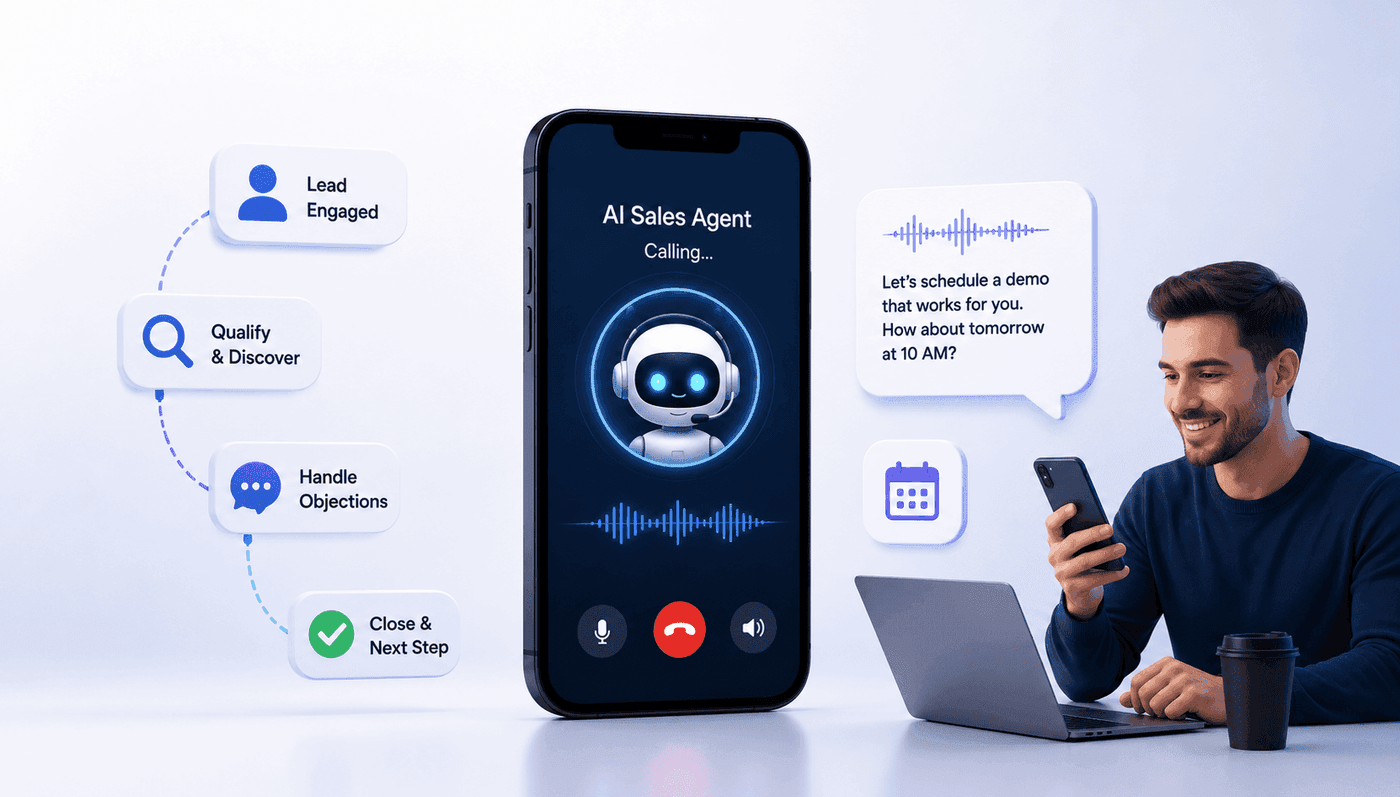
How a Growth-Stage Company Built and Alpha-Tested an AI Sales Agent Designed to Qualify, Handle Objections, and Close
How a growth company automated SDR workflows with an AI sales agent that qualifies prospects, handles objections, and closes meetings.