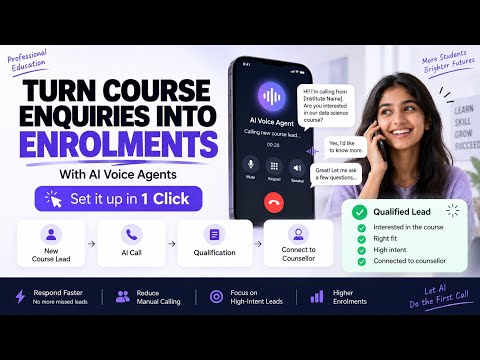
How to Configure Speech Settings for Your AI Voice Agent | Full Setup Guide
About this video
Learn how to transform your AI voice agent into a human-like conversational assistant with the right speech settings configuration. In this video, we walk you through the complete setup of your voice agent’s intelligence and voice system from selecting the LLM (like Gemini or Open AI) to configuring Speech-to-Text and Text-to-Speech providers. You’ll also discover how to: Connect your knowledge base for accurate responses Configure STT (Speech-to-Text) for better user understanding Set up TTS (Text-to-Speech) with realistic voices Customize pronunciation, speed, and sample rate Add background noise for a more natural conversation experience By the end of this tutorial, your AI agent will sound more natural, responsive, and ready for real-world interactions. 🚀 Perfect for developers, businesses, and anyone building AI-powered voice assistants. ✨To make your own agent, Visit: https://app.kipps.ai/?utm_source=youtube&utm_medium=product_videos ✨ Know More About Us: Kipps AI is an AI-powered automation platform built to help businesses scale smarter. Our products include Chat Agents, WhatsApp Agents, and Voice Agents designed to handle customer support, sales lead nurturing, appointment booking, follow-ups, onboarding, re-engagement campaigns, and more — automatically and intelligently. With over 2 years of experience in AI automation, we’ve worked with hundreds of clients, continuously optimizing and deploying AI agents that drive real business results. Want to know more? 🌐 Visit: https://www.kipps.ai?utm_source=youtube&utm_medium=product_videos 📩 Have questions? Contact us: https://www.kipps.ai/contact-sales?utm_source=youtube&utm_medium=Whatsapp_videos 🔗 Follow us on LinkedIn: https://www.linkedin.com/company/102014032/