
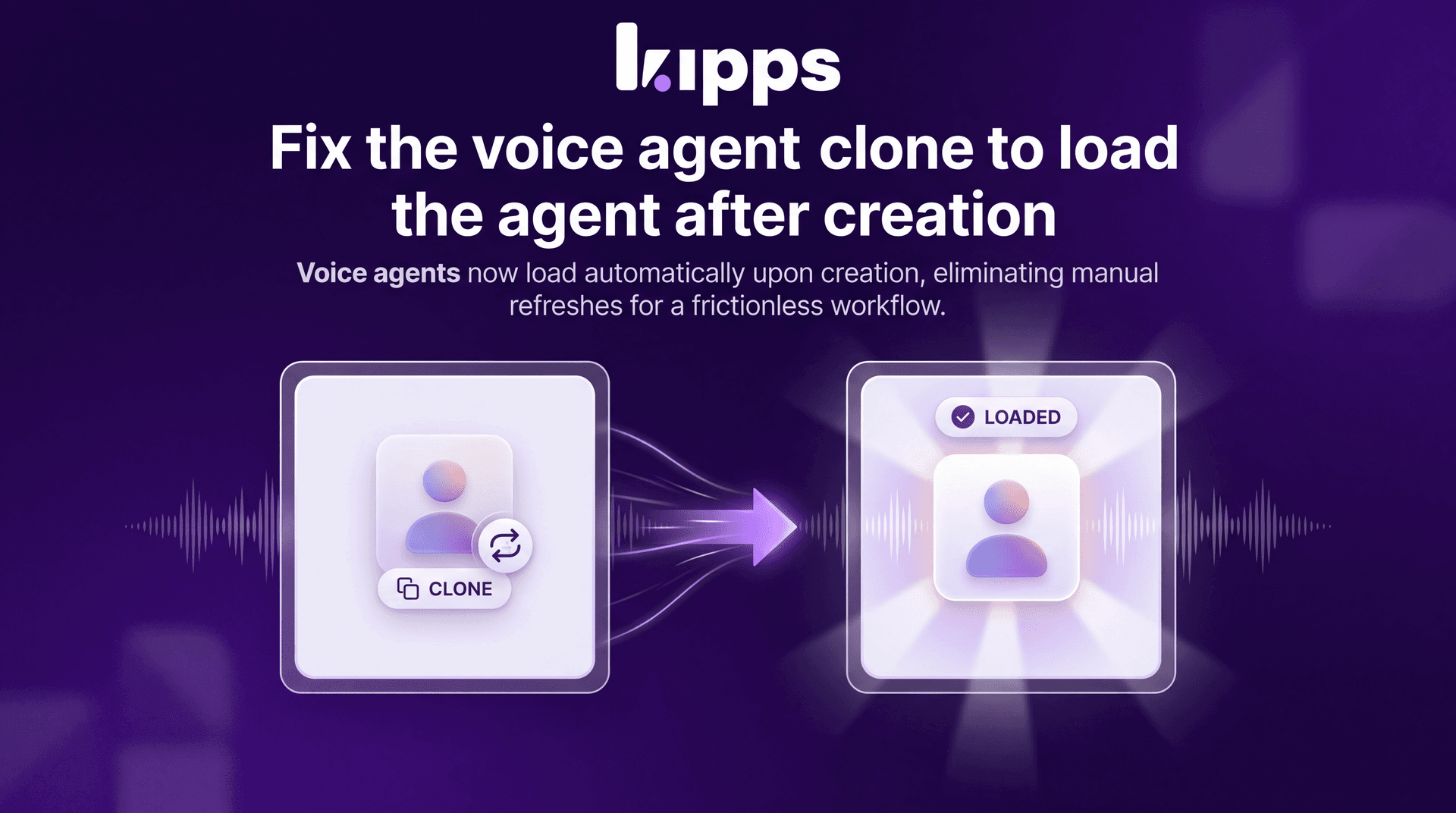
Fix Voice Agent Clone to Load Agent After Creation

Introduction
This update addresses a critical bug where, after successfully cloning a voice agent, the newly created agent would not automatically load in the user interface. Previously, users had to manually refresh the page to view and interact with the cloned agent, leading to a disjointed and inefficient workflow.
Feature Highlights
- Automatic Loading: Cloned voice agents now load immediately into the UI upon creation, eliminating the need for manual page refreshes.
- Improved Workflow: Streamlines the process of duplicating and managing voice agents, enhancing productivity and user experience.
- Reduced Friction: Removes an unnecessary step, making the agent cloning process more intuitive and seamless.
How to Use
- Navigate to the voice agent management section of the platform.
- Select an existing voice agent you wish to clone.
- Initiate the cloning process (e.g., by clicking a "Clone" button or similar action).
- After successful cloning, the newly created voice agent will automatically appear and be loaded in the interface, ready for further configuration or use.
Benefits
- Enhanced Productivity: Users can now clone and immediately work with new voice agents without interruption, saving valuable time.
- Seamless User Experience: The cloning process is now more fluid and intuitive, reducing user frustration and improving overall satisfaction.
- Operational Efficiency: Eliminates a redundant step in agent management, contributing to a more efficient operational workflow.
Example Workflow
A customer success manager needs to quickly create a new voice agent based on an existing successful template for a new client. They navigate to the voice agent list, select the template agent, and click "Clone." Instantly, the newly cloned agent appears in their workspace, ready for them to customize with client-specific greetings and routing rules without any additional page reloads or navigation.
Result
Users can now enjoy a smoother and more efficient experience when cloning voice agents, as newly created agents will automatically load into the interface, allowing for immediate interaction and configuration without the need for manual refreshes.
Ready to try these new features?
Experience the latest improvements and see how they can enhance your workflow. Get started today or learn more about what's coming next.
More Changelog Updates
Related Blog Posts
AI in Corporate Training: An HR Guide to Scaling L&D
Go beyond theory. This guide offers HR leaders a strategic framework for AI in corporate training. Learn to drive performance, scale globally, and prove L&D's value.
Read more
AI Chatbot for Ecommerce: Boost Sales & Cut Support Costs
Stop losing sales to slow support. This guide shows D2C brands how to use an AI chatbot to automate customer service, drive revenue 24/7, and calculate your ROI.
Read more
From Confusion to Clarity: Better Voicebot Management with Unique Naming
Learn how unique naming conventions and a streamlined agent creation process can eliminate confusion, reduce errors, and improve team efficiency when managing your voicebots.
Read more