Automate Healthcare Lead Qualification with WhatsApp Agents
Tired of slow lead follow-up in healthcare? Learn how to build a WhatsApp agent campaign to automate lead qualification, engage prospects instantly.

Share This Article
Table of Contents
Why WhatsApp is the Ideal Channel for Patient Qualification
Traditional lead follow-up channels like email and phone calls are becoming less effective. Emails get lost in crowded inboxes, and phone calls are often ignored if they come from an unknown number. WhatsApp cuts through this noise by engaging potential patients on a platform they use daily for personal conversations. This familiarity creates a sense of immediacy and trust that other channels can't replicate.
By leveraging the WhatsApp Business Platform, clinics can automate the initial, repetitive stages of the intake process. This means every single inquiry receives an immediate, professional response—day or night. This instant engagement not only improves the patient experience but also frees up your admissions team to focus their valuable time on high-intent leads who are ready for a detailed consultation, dramatically increasing your operational efficiency.
Meet Patients Where They Are: Unmatched Open Rates
Unlike email, which has an average open rate of around 20-30% in the healthcare industry, WhatsApp messages boast open rates of over 90%. People are conditioned to check WhatsApp notifications instantly. When a potential patient reaches out, you can be confident your initial qualification questions will be seen within minutes, not hours or days. This immediacy is critical in healthcare, where a timely response can make all the difference.
Instantaneous Two-Way Communication
WhatsApp is built for conversation. Instead of a one-way information push (like an email) or a potentially intrusive phone call, it allows for a real-time, two-way dialogue. Using automated quick-reply buttons and simple questions, you can guide a user through the initial qualification steps in a natural, conversational manner. This interactive format keeps potential patients engaged and provides your team with the information they need far more quickly than a traditional web form.
Prequalify Leads 24/7 Without Staff Burnout
Patient inquiries don't stick to a 9-to-5 schedule. An automated WhatsApp system acts as your 24/7 front desk, engaging leads the moment they show interest. It can ask the initial screening questions, filter out unqualified inquiries, and segment hot leads for immediate follow-up when your team is back online. This eliminates the risk of promising leads going cold overnight or over a weekend, preventing staff burnout from manual, round-the-clock monitoring.
The 4-Step Framework for Qualifying Healthcare Leads on WhatsApp
To effectively automate qualification, you need a structured conversational flow. The goal isn't to diagnose, but to determine if the person is a good fit for your clinic and what their immediate needs are. This framework ensures you gather the necessary information efficiently while maintaining a helpful, patient-centric tone. It’s a simple, repeatable process that moves a person from initial inquiry to a clearly defined next step.
This step-by-step method helps you triage leads automatically, segmenting them based on their answers. An inquiry about a specific, high-value service can be flagged for immediate human follow-up, while a general question can be answered with automated information. This ensures your admissions team’s time is always spent on the most promising conversations.
Step 1: Confirm Intent and Urgency
The first message should confirm why they're reaching out and how soon they need help. This immediately separates those actively seeking a consultation from those just browsing for information.
Example Question: "Thanks for contacting [Clinic Name]! To best assist you, could you let us know what you're looking for today?
- A. Book a consultation
- B. Ask about a specific treatment
- C. General pricing information"
Step 2: Gather Essential Logistical Information
Next, you need to know if you can practically serve them. This usually involves asking about the specific service they are interested in and confirming their location, especially if you have multiple branches or serve a specific geographic area. This simple step prevents your team from wasting time on consultations with patients who are not a logistical match for your clinic's services or locations.
Step 3: Understand Their Primary Concern or Goal
This question moves beyond logistics to understand the patient's needs. It should be open-ended but guided. You're not asking for detailed medical history, but rather trying to understand what outcome they are hoping to achieve. This context is invaluable for your admissions or clinical team during the first human-to-human conversation, allowing them to start the call with a clear understanding of the patient's goals.
Step 4: Determine Next Steps (Consultation vs. Nurture)
Based on the previous answers, the final automated step directs the lead appropriately. If they’ve indicated high intent and urgency, the system should offer to connect them with an admissions coordinator or provide a link to book a consultation. If their intent is lower, you can offer to send them a helpful resource (like a guide or video) and add them to a nurturing sequence.
Building Your Automated WhatsApp Qualification Flow
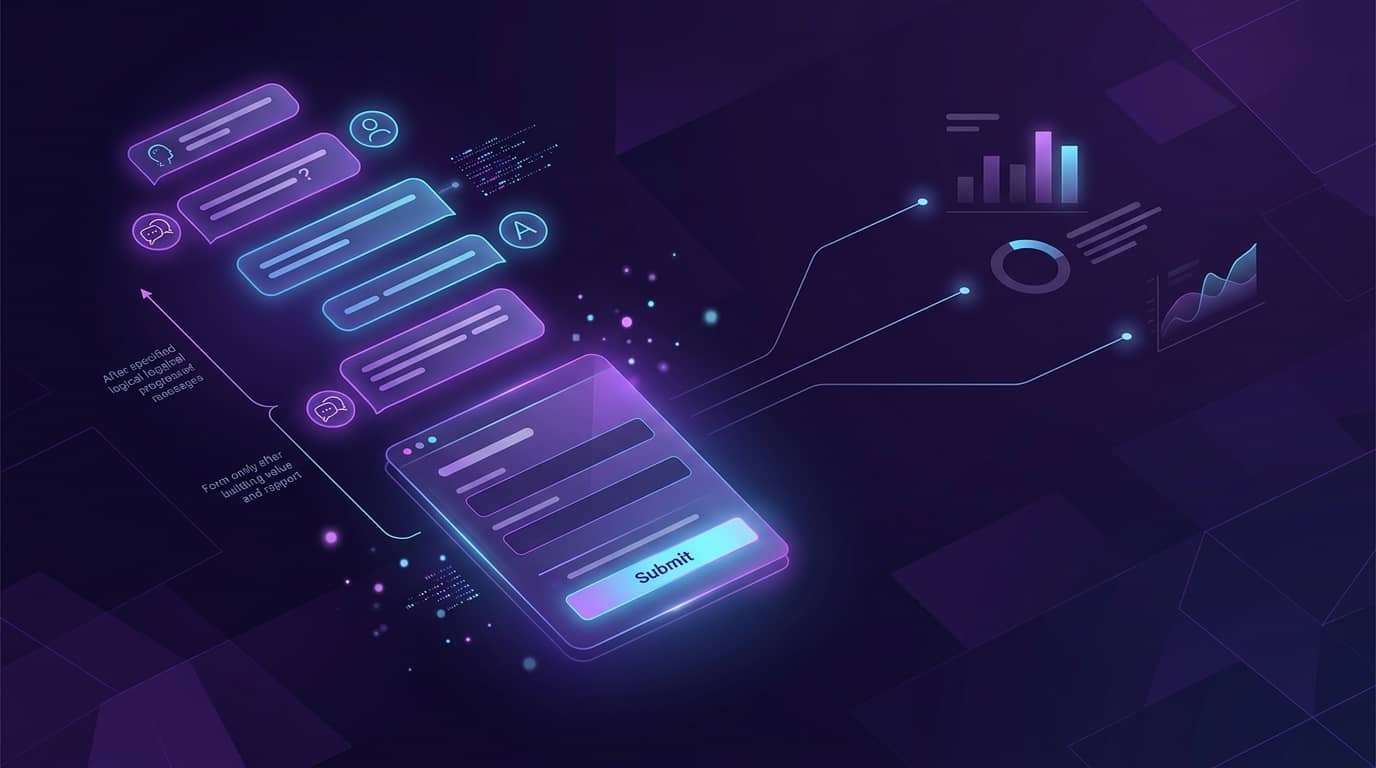
Putting the framework into practice requires setting up a logical sequence of messages and responses. This "flow" is a conversational pathway that guides the user from their first message to a final outcome. The key is to make the journey as simple and intuitive as possible, using clear language and predefined options to minimize friction.
Creating this doesn't have to be overly technical. A dedicated Whatsapp Agent Lead Qualification Campaign solution provides a visual builder where you can map out these conversations. You define the triggers, write the messages, and set the rules for how the system should respond based on user input, turning your qualification strategy into a fully automated reality.
Choosing the Right Trigger
The automation needs to start somewhere. The trigger is the action that initiates the WhatsApp conversation. Common triggers include:
- A user clicking a "Chat on WhatsApp" button on your website.
- Scanning a QR code on a physical brochure or in-clinic poster.
- Clicking a "Send Message" call-to-action on a Facebook or Instagram ad.
- Submitting a form on a landing page that offers an instant WhatsApp follow-up.
Crafting Your Welcome and Initial Questions
Your first message is crucial. It must be welcoming, set a clear expectation, and immediately engage the user. Start by confirming who you are ([Clinic Name]) and then move directly into your first qualifying question, as outlined in the framework. Use quick-reply buttons to make responding as easy as a single tap. This reduces the effort required from the potential patient and increases the likelihood they’ll complete the sequence.
Using Quick Replies to Guide the Conversation
Quick replies (or interactive buttons) are the backbone of an effective automated flow. Instead of forcing users to type out full sentences, you provide them with predefined choices. This not only makes the experience faster for them but also gives you clean, structured data. For example, asking "Which service are you interested in?" with buttons for "Dental Implants," "Teeth Whitening," and "General Check-up" is far more efficient than an open-ended text field.
Tagging and Segmenting Leads for Your Admissions Team
As a user moves through the flow, the system should automatically tag them based on their answers. A lead interested in a high-value cosmetic procedure who wants to book now can be tagged as "Hot Lead - Cosmetics." Someone asking for pricing can be tagged as "Informational." These tags instantly tell your admissions team who to prioritize, providing them with a pre-qualified and organized list of contacts to follow up with.
Best Practices for a Compassionate, Automated Experience
Automation in healthcare must be handled with care. While efficiency is the goal, it should never come at the expense of the patient experience. The system should feel helpful and responsive, not cold and robotic. Your brand’s compassionate voice must be present in every automated interaction.
The key is to view automation as a tool to enhance, not replace, human connection. It handles the repetitive, initial steps so that your skilled team members can enter the conversation at the most impactful moment. This approach respects both the patient's time and your team's expertise, building a foundation of trust from the very first interaction. By following these best practices, you can ensure your automated system is both effective and empathetic.
Maintain a Warm and Empathetic Tone
Your automated messages should reflect your clinic's brand voice. Use "we" and "you" to create a sense of personal connection. Simple phrases like "We're here to help" or "Let's find the best path forward for you" can make the interaction feel more human. Avoid overly clinical or robotic language. The goal is to be clear, concise, and caring, even in an automated message.
Always Provide a "Talk to a Human" Option
At any point in the automated flow, a user should have a clear and easy way to opt out of the automation and speak with a person. Including a persistent button or menu option labeled "Talk to an Advisor" or "Chat with a Person" is essential. This provides a crucial safety net for users who have complex questions or simply prefer human interaction, ensuring no one feels trapped in a conversation with a bot.
Set Clear Expectations About Response Times
If the automated flow determines that a lead needs to speak with a team member, the final message should set a clear expectation for when they will receive a response. For example: "Thank you! We've received your information. A member of our patient care team will reach out to you within the next 2 business hours to schedule your consultation." This transparency manages expectations and reassures the patient that their inquiry is being handled.