
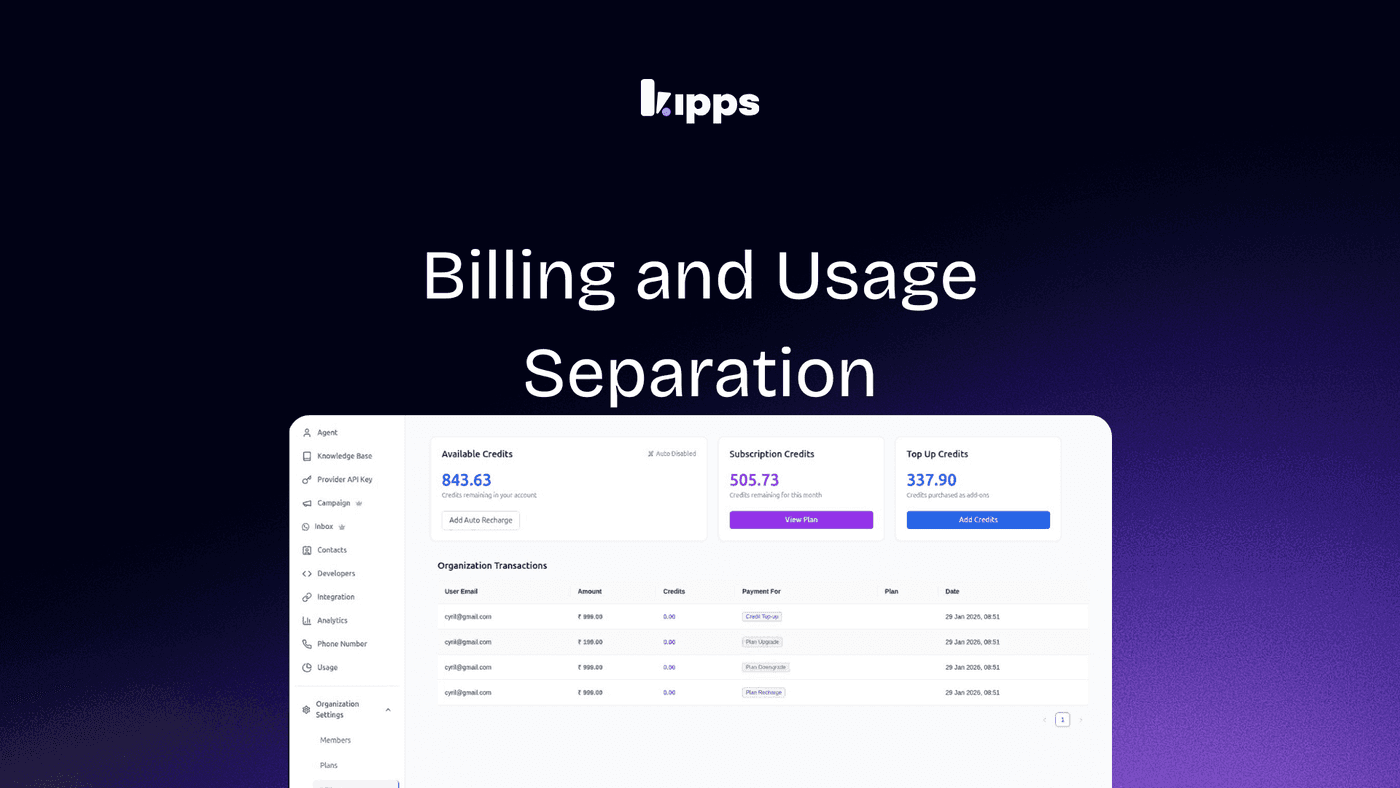
Billing and Usage Separation

Introduction
We are excited to introduce a new feature that separates billing and usage in our platform.
This update provides clearer financial visibility by distinguishing between actual monetary transactions and internal credit consumption.
With this separation, users can easily track their real payments and understand their credit usage without confusion.
This improvement is designed to enhance the user experience by making financial information more transparent and easier to manage.
Whether you are reviewing your account or reconciling expenses, this new separation will help you quickly identify and differentiate between money spent and credits consumed, leading to a more efficient and reliable financial review process.
Get started today and experience the benefits of clearer financial visibility with our new billing and usage separation feature!
Billing and Usage Separation
Feature Overview
Billing and Usage are now clearly separated to distinguish between actual monetary transactions and internal credit consumption. This provides improved financial transparency and simplifies account review.
How to Access
-
Log in to your account.
-
Go to Organization Settings.
-
Click Billing to view real payment transactions, including:
- Subscription charges
- Plan upgrades or downgrades
- Recharges
- Credit top-ups
-
Click Usage from the left sidebar to view internal credit consumption and usage-related metrics.
Impact
This update improves financial transparency by clearly separating actual payments from internal credit usage. It helps users quickly distinguish between money spent and credits consumed, reduces confusion during financial reviews, and makes account reconciliation faster and more reliable.
See Also
Related Features
Ready to try these new features?
Experience the latest improvements and see how they can enhance your workflow. Get started today or learn more about what's coming next.
More Changelog Updates
Related Blog Posts

Simplified Billing: Find Wallet and Usage in One Central Place
We have consolidated Wallet and Usage pages into a single Billing section in the sidebar to streamline your account management.
Read more
HR's Guide to Employee Retirement Plan Communication
Struggling with 401k questions? This guide helps HR teams simplify employee retirement plan communication. Learn strategies to explain mutual funds, boost participation, and reduce repetitive work.
Read more
Beyond the First Message: A Guide to Smarter Chatbot Lead Forms
Learn how to configure your chatbot's lead form frequency to reduce visitor fatigue, improve conversation flow, and capture higher-quality leads. A complete guide to the new settings and best practices.
Read more