
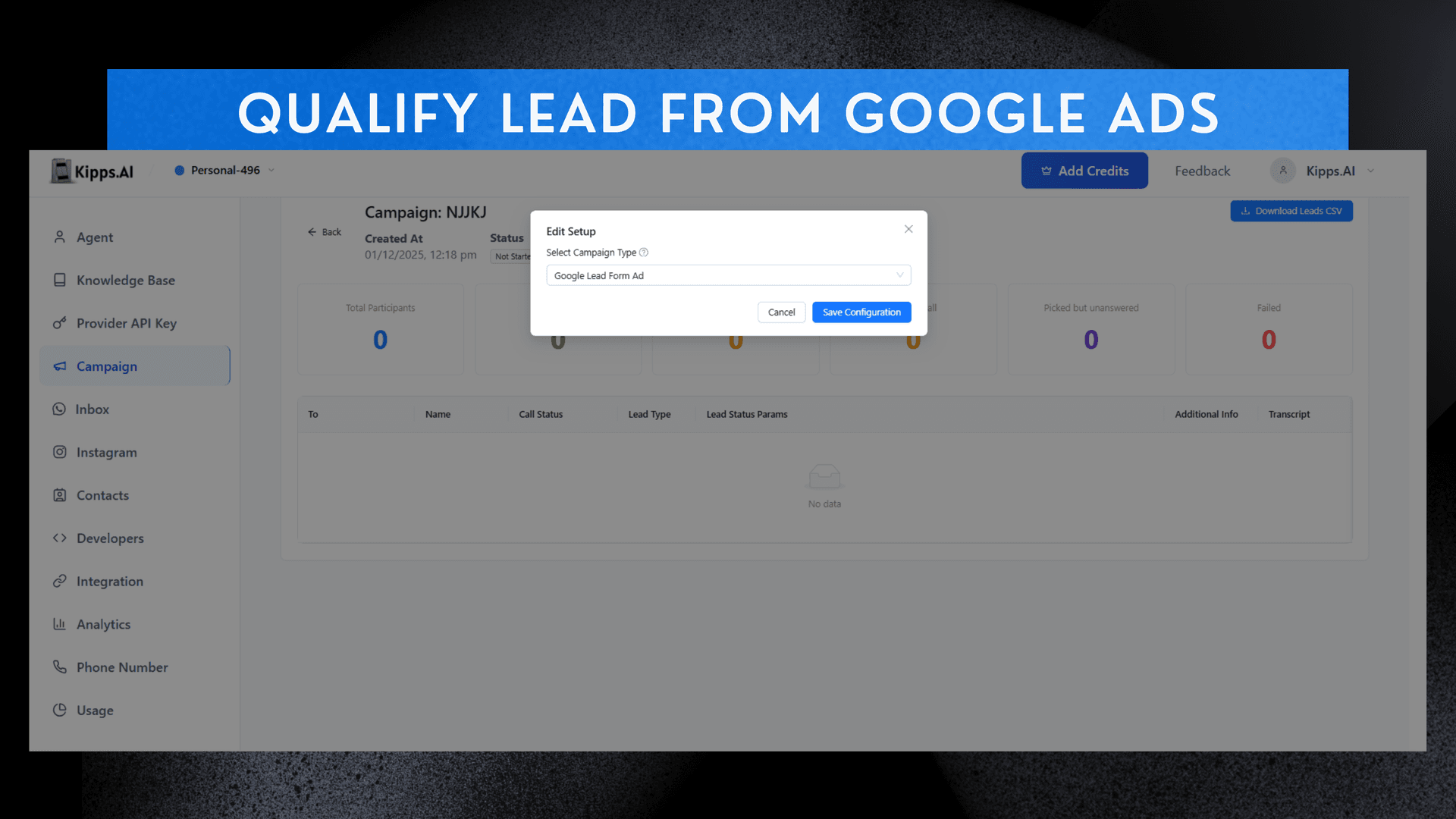
Qualify a Lead from google Ads

Feature Highlights
- Direct Google Ads Integration
Connect Google Lead Forms to your campaign from the setup window—no third-party connectors required. - Real-Time Lead Capture
New leads from Google Ads flow into Kipps.ai instantly through the generated webhook. - Instant AI Outreach
AI Voice Agents and AI WhatsApp Agents contact new leads within seconds to qualify, collect data, or book appointments. - Simple Setup Flow
Open the analytics window → click Setup → choose Google Ads → complete the required fields → save configuration. - Automated Webhook Generation
A ready-to-use Google Lead Ads Webhook is provided, which you can paste into your Google Ads Lead Form configuration. - Faster Lead Response
Responding in real time significantly boosts qualification rates, reduces drop-offs, and increases ROI on ad spend.
How to Use
-
After the Creation of Campaign
Go to the action column of the campaign table in front of your campaign name. -
Access Analytics Window
At the eye icon, there will be the analytics window where you can see the setup button. -
Choose Google Ads
In the setup button, you can choose the Google Ads. -
Fill Required Details
After filling the required details, you save the configuration. -
Configure Webhook
And there will be the webhook configuration, which you can then use to get the leads.
Google Lead Ads Webhook
It connects Google Ads → directly into Kipps.ai → so your AI Voice Agent / WhatsApp Agent can instantly contact those leads.
Ready to try these new features?
Experience the latest improvements and see how they can enhance your workflow. Get started today or learn more about what's coming next.